McGraw Hill Connect guide · Updated October 23, 2026
Not on homework or SmartBook. Connect sees your attempts, scores and time on each question, not what else is open. Proctored exams are the exception: there the proctoring tool watches tabs, screen and camera, and you are told before you start.
Checked against McGraw Hill's own Connect and Proctorio pages on October 23, 2026.
Your instructor picks the settings per assignment. If there is no proctoring notice before you start, it is not proctored.
| Homework | SmartBook | Proctored exam | |
|---|---|---|---|
| Switching tabs | Not tracked | Not tracked | Can be recorded or blocked |
| Copy and paste | Not tracked; some answer boxes block paste | Copying from the eBook is limited | Can be blocked |
| Screen and webcam | No | No | Can be recorded |
| Browser extensions | Not seen | Not seen | Can be turned off |
| Score and attempts | Yes | Yes | Yes |
| Time spent | Yes, roughly per question | Yes | Yes |
| Hints, Check My Work, eBook use | Yes, if allowed | — | Usually not allowed |
| Confidence ratings | — | Yes | — |
Connect reports start and submit times and roughly how long each question took. A four-minute pause followed by a six-second correct answer is visible as timing. Nothing flags it automatically.
Which attempt got each question right, and whether you opened hints, Check My Work or the eBook link when the assignment allows them.
McGraw Hill offers Proctorio inside Connect. When an instructor turns it on, it runs as a browser extension that can lock the browser, record the screen and webcam, and flag tab changes. You install it and see its notice before the exam opens.
Long homework sets are where students lose the most time. Hidio answers on the page you are on.
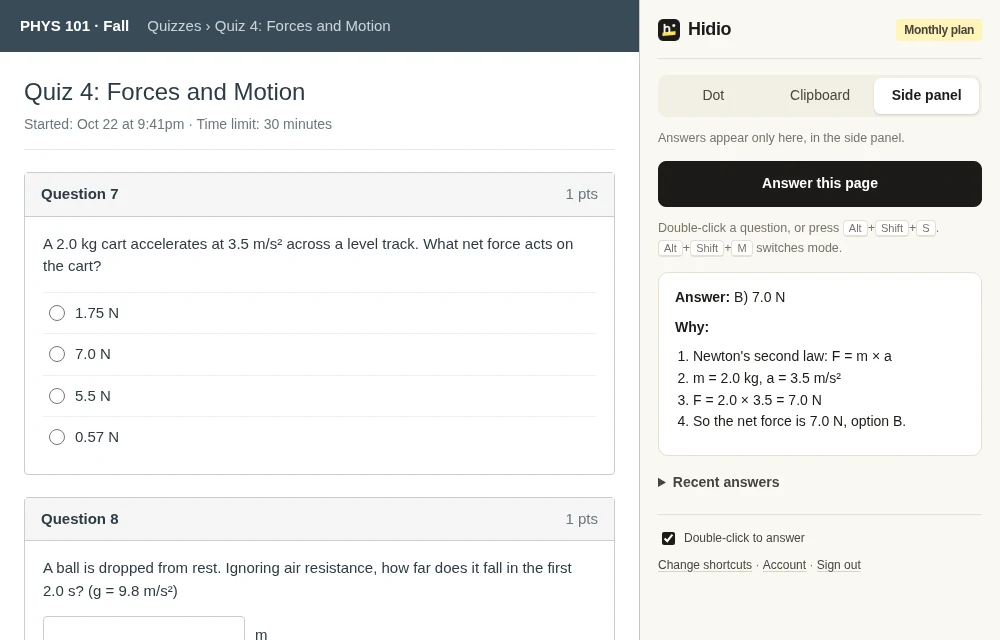
Or select it and press Alt+Shift+S. Hidio reads it from the page, including SmartBook prompts. No copying into a chatbot in another tab.
Copied to your clipboard with nothing drawn on the page, in an 8px dot in the corner, or step by step in the side panel when you want to learn the method.
Press Alt+Shift+S with nothing selected and Hidio reads what is visible in the tab instead. The Windows app does the same for any program, in a window that stays out of screen shares.
Not on regular homework, SmartBook or unproctored quizzes. Connect records your attempts, scores and time, not what else is open. On a proctored exam, the proctoring tool (Proctorio) can record tab switches, and you see a notice before the exam starts.
Only on an exam your instructor set up with proctoring. Homework and SmartBook do not record your screen or webcam.
There is no copy-paste report on homework. Some question types simply block pasting into the answer box. Written answers can be checked for matching text if your course uses that.
Your score on each question and attempt, how long you spent, when you started and submitted, and whether you used hints, Check My Work or the eBook link. SmartBook also shows your confidence ratings.
Yes on homework, SmartBook and practice in a normal Chrome window: double-click the question or press Alt+Shift+S and the answer appears without opening another tab. It does not help on proctored exams that turn extensions off.
5 free answers. No card needed.