Google Forms guide · Updated October 24, 2026
Not on a regular quiz. Forms records your answers and when you submitted, not what else is open. Locked mode is the exception: it only runs on school-managed Chromebooks, and it tells your teacher if you leave the quiz.
Checked against Google's locked mode help page on October 24, 2026.
Locked mode is a checkbox your teacher turns on. If your quiz opens normally on a laptop or phone, it is not in locked mode.
| Regular quiz | Locked mode (managed Chromebook) | |
|---|---|---|
| Switching tabs | Not reported | Blocked: the quiz is the only tab |
| Leaving before submitting | Not reported | Teacher is alerted |
| Copy and paste | Not reported | Limited by the locked browser |
| Screen and webcam | No | No recording by Forms itself |
| Other devices | Any | Cannot open the quiz |
| Answers, score, submit time | Yes | Yes |
Forms shows each response, your score and when you submitted. A quiz finished far faster than the rest of the class is visible as a timestamp. Nothing flags it automatically.
On short-answer and paragraph questions, a teacher can scroll the responses and spot identical wording across students. Answers in your own words avoid this.
Google describes it as a way to keep students focused on school-managed Chromebooks. If the teacher turns it on and you leave the quiz, the teacher is notified.
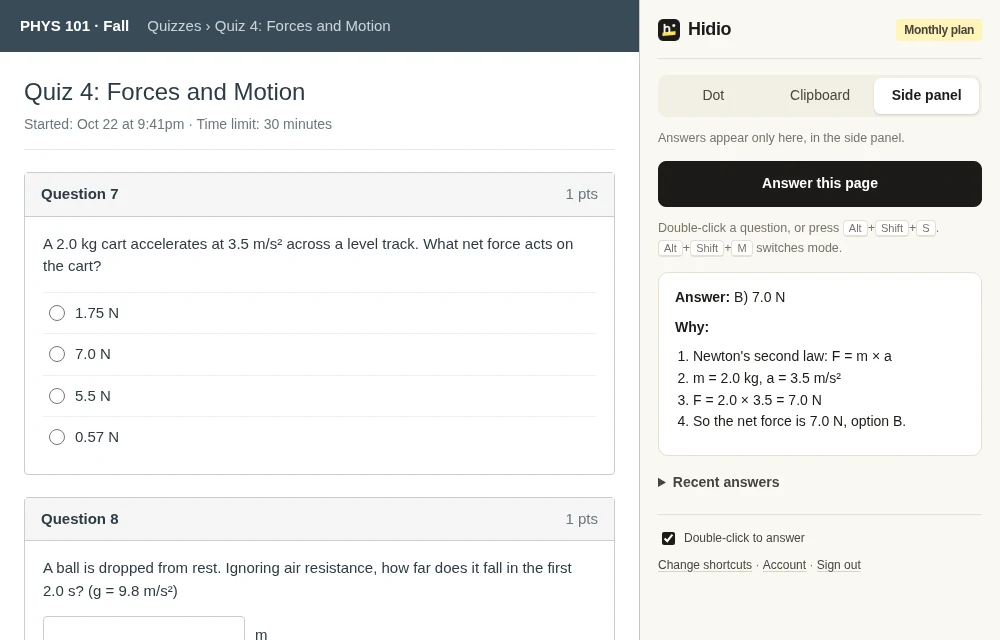
Practice quizzes and review forms are where Hidio helps. It answers on the page you are on.
Or select it and press Alt+Shift+S. Hidio reads it from the page, including multiple choice grids and dropdowns. No copying into a chatbot in another tab.
Copied to your clipboard with nothing drawn on the page, in an 8px dot in the corner, or step by step in the side panel when you want to learn the method.
Press Alt+Shift+S with nothing selected and Hidio reads what is visible in the tab instead. The Windows app does the same for any program, in a window that stays out of screen shares.
On a regular quiz, no: Google Forms has no setting that reports tab switches to your teacher. The exception is locked mode, which only runs on school-managed Chromebooks and keeps the quiz as the only tab you can open.
A quiz option for Google Workspace for Education schools. Students must use a school-managed Chromebook, and the quiz stays the only thing they can open until they submit. Teachers who turn it on are alerted if a student leaves the quiz.
No. Forms does not report what you copy or paste. A teacher can still compare written answers across students or look at response timestamps.
Your answers and score, the time you submitted, and with a Classroom assignment, whether you turned it in on time. Teachers can also see who answered short-answer questions with identical text.
Yes on regular quizzes in Chrome: double-click the question or press Alt+Shift+S and the answer appears without opening another tab. It does not help in locked mode on a managed Chromebook, where the quiz is the only tab allowed.
5 free answers. No card needed.